
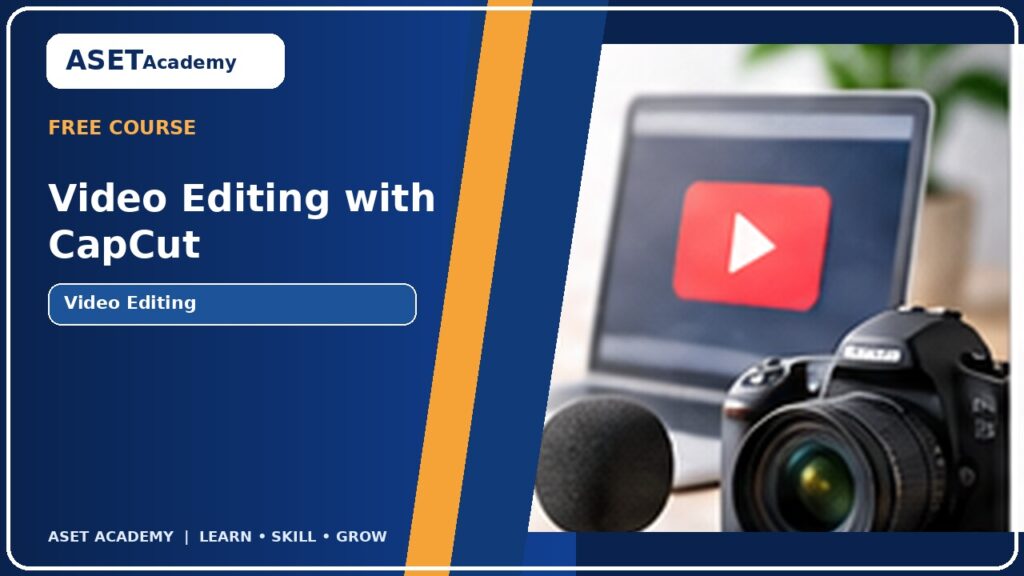
Video Editing with CapCut
Edit short videos for social media using CapCut, including trimming, transitions, text, audio, captions and export settings.
 Instructor: adminUpdated course information
About this course
Edit short videos for social media using CapCut, including trimming, transitions, text, audio, captions and export settings.
Video Editing with CapCut is a practical, beginner-friendly ASET Academy course. Learners build foundational knowledge through guided lessons, examples, practice activities and a final task. The course is designed to support study, employability, workplace productivity and small business development.
Course curriculum
12 lessons in 4 learning sections
01Video Editing Foundations3 lessons⌄
02Editing Techniques3 lessons⌄
03Polish and Captions3 lessons⌄
04Export and Practical Project3 lessons⌄
What you will learn
Understand a basic video editing workflow
Trim, arrange and combine clips
Add text, audio, transitions and captions
Export videos for common social platforms
What you need
Smartphone or computer access
Course instructor

Questions & reviews
Examinations
Log in to access examinations.
Student reviews
No approved reviews yet.
Only enrolled students can review this course.
Explore more courses
Python Programming: Beginner Course
Start programming with Python by learning variables, conditions, loops, functions, data structures and a small practical…
FREE
View course
Basics in Human Resource Management
This beginner-friendly course introduces the purpose and everyday functions of Human Resource Management (HRM). Learners explore…
10,000.00 BDT
View course
Short Course on Project Management Fundamentals
Learn how to define a project, plan tasks, manage timelines, communicate with stakeholders and monitor progress…
FREE
View course